Adding a movie to a page
Adding a movie to a page
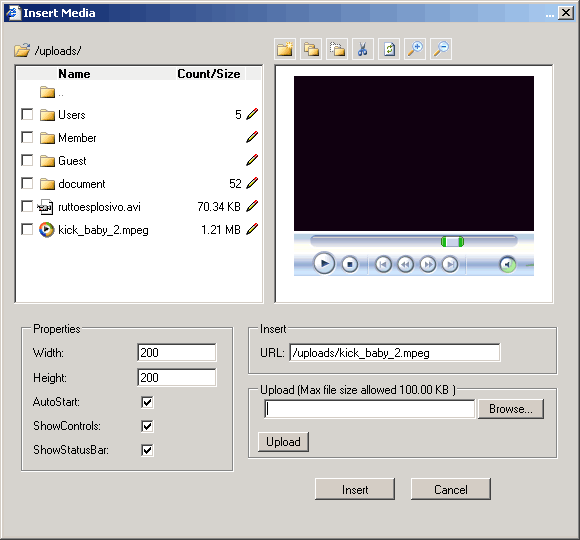
You can use the Insert Media button in the toolbar or context menu to add a
movie to a page.
To add a movie using the Insert Media button:
1. Place the mouse cursor in your editor where you want the movie to
appear.
2. Click the Insert Media button in the toolbar.
3. Browse to and select the movie, and then click the Insert button.