
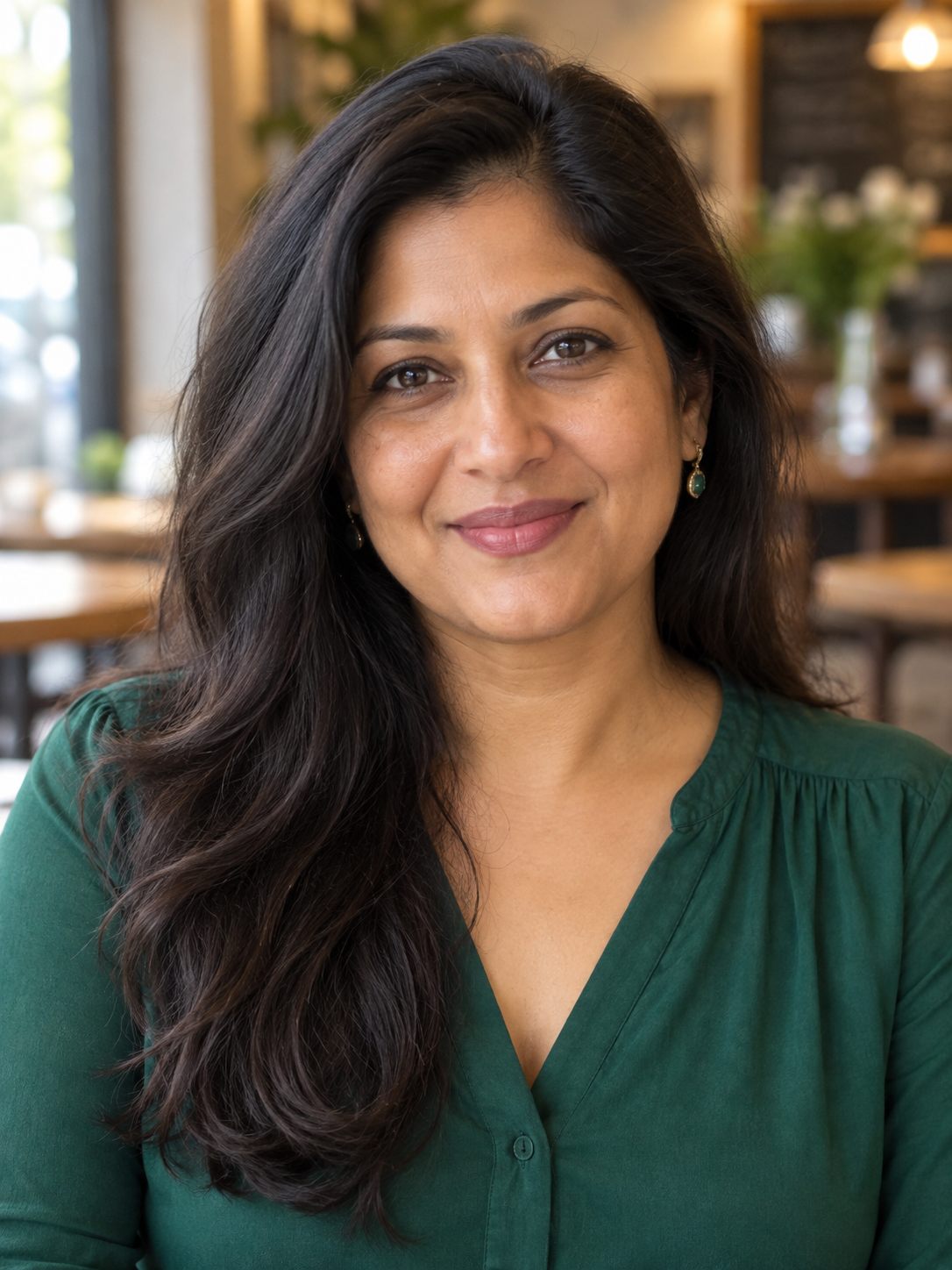

Professional headshots from a photo
Create a professional profile picture from a clear portrait with the Richscripts AI Headshot Generator. Upload one photo, choose a business, creative, or technology style, and select a square or portrait composition. The tool sends your prepared image to an AI editing service that changes the setting and clothing while being instructed to preserve your facial features and natural appearance.
For a useful starting photo, face the camera in even light and keep your eyes, hairline, and shoulders visible. A simple background helps. Avoid sunglasses, heavy filters, motion blur, and group photographs. Supported uploads are JPG, PNG, and WebP up to 10 MB. Your browser prepares a smaller JPEG before sending it, reducing transfer size and removing original file metadata from that prepared copy.
Business styling uses a neutral studio background and a tailored jacket. Creative styling uses warmer tones and relaxed editorial lighting. Technology styling uses a modern office setting and business casual clothing. A square image suits compact profile slots, while the taller portrait gives more space around your shoulders. Each request creates one image; generation can take a few minutes.
Compare the result with your original before downloading. Check facial likeness, eyes, hair, clothing edges, and background details. AI editing can change features unintentionally, and results vary. Use a headshot you feel accurately represents you. These images are intended for profiles, portfolios, and biographies, not official identification photographs.
Frequently asked questions
Where does my photo go?
Your prepared photo is sent through Richscripts to the AI provider when you generate. Source photos are not saved by this tool. Generated originals are encrypted in private server storage with 24-hour download eligibility. Expired files are removed during a later generation. Provider retention policies also apply.
Can I use someone else’s portrait?
Only use a photo you have permission to edit and share. Choose one person with a clearly visible face.
What does Clear do?
Clear removes the photo and preview from this page. It does not delete a held server original or recall a request already sent to the provider.