Print Imposition
Package
Put multiple PDF pages on one sheet, repeat a design for trimming, or arrange a folded booklet. Preview the sheet order before printing.
Free watermarked preview · US$7 / ZIP package · No subscription
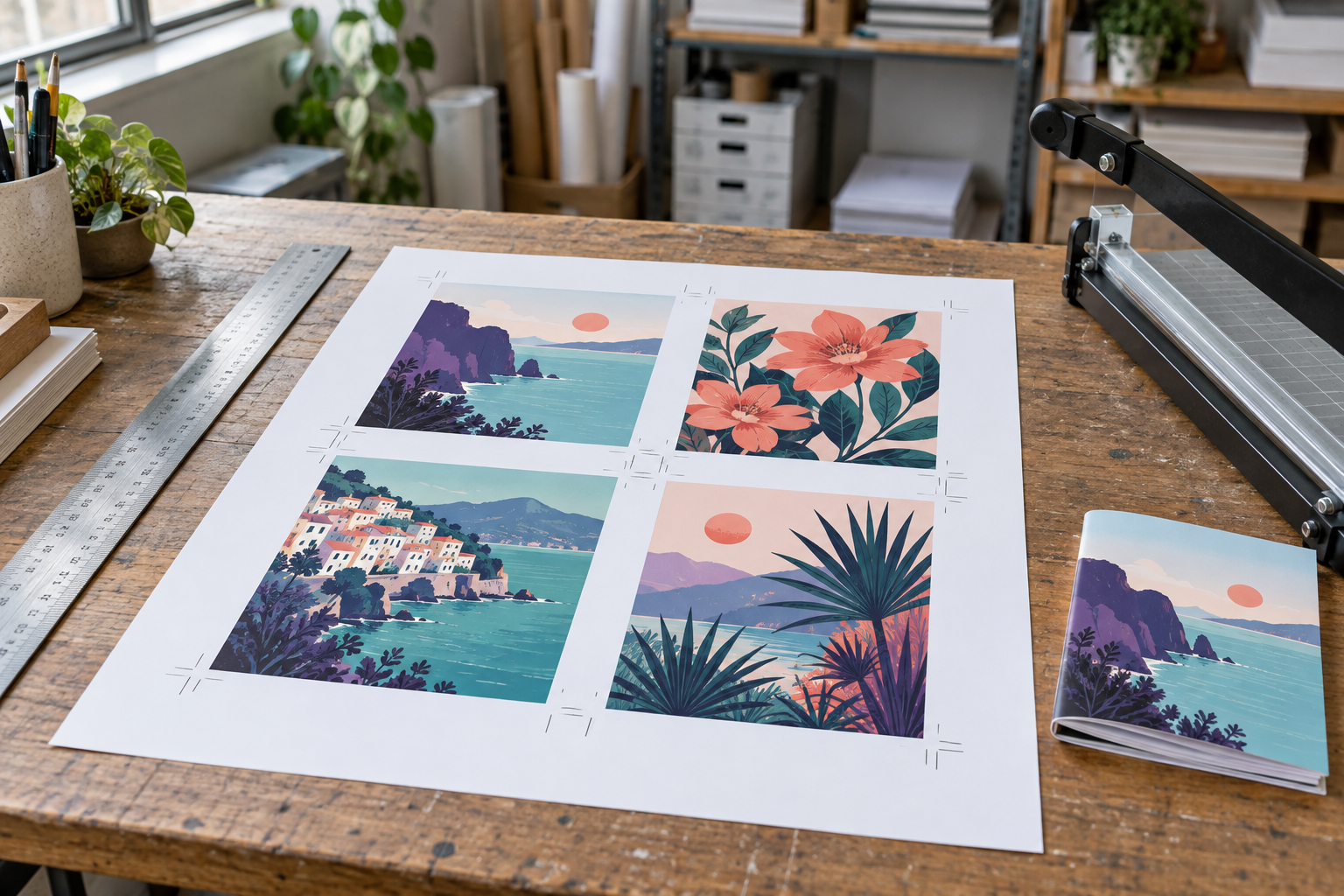 AI-created illustration · Not an app screenshot
Arrange. Print. Finish.
2-up and 4-up layouts
Repeated designs for cutting
Booklet front/back order
Sheet map and print instructions
Your print sheets
Package: print-sheets.pdf, print-instructions.txt and sheet-map.json. Preparing checkout uploads the finished ZIP for payment and download recovery.
YOUR NEXT STEP · RICHFAX
Fax your PDF in reading order
Use the original reading-order PDF when sending a fax. Booklet or multi-up print sheets can shrink text and put pages out of reading order. Use the PDF editor to check the document first.
US$2.99 for the first 5 document pages, plus US$0.30 per additional page and applicable tax. The optional cover page is free. This tool’s export fee, if any, is separate from fax sending.